





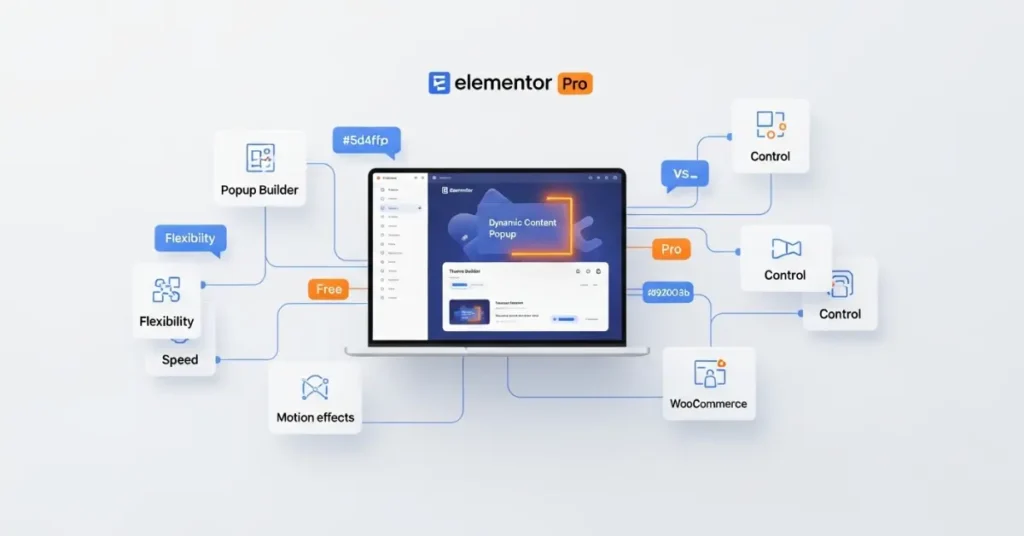
If you have ever tried building a website on WordPress, you know that designing it exactly the way you imagine can be a challenge. This is where Elementor Pro features and benefits truly shine. Elementor Pro is not just a plugin—it’s a complete website-building solution that empowers anyone, from beginners to experts, to design stunning, fully functional websites without touching a single line of code.
Launched as an upgrade to the free Elementor page builder, Elementor Pro takes customization to the next level. With its rich library of advanced tools, widgets, and templates, you can create anything from a personal blog to a high-converting e-commerce store. The beauty of Elementor Pro lies in its drag-and-drop simplicity, making website creation faster, easier, and far more enjoyable.
Another reason why Elementor Pro features and benefits attract so many users is its ability to give total control over the design. You are not limited by your theme’s default layout anymore—you can change headers, footers, page sections, product pages, and even popups to match your vision. Whether you are a freelancer, business owner, or hobby blogger, Elementor Pro gives you the creative freedom to stand out online.
What is Elementor Pro?
Elementor Pro is the premium version of the popular Elementor page builder plugin for WordPress. While the free version is powerful on its own, the Pro version unlocks a host of additional features that dramatically expand what you can do with your site.
The Elementor Pro features and benefits revolve around three main pillars: design flexibility, functionality, and speed of development. It comes with over 90+ widgets, theme-building tools, marketing integrations, and pre-designed templates that make professional-grade websites possible without hiring a developer.
A big reason why so many people upgrade is the Theme Builder. This tool allows you to completely customize your WordPress theme structure—headers, footers, single post templates, and archive pages—without any PHP knowledge. Combined with WooCommerce Builder, you can also fully control your online store’s design.
For business owners, Elementor Pro features and benefits also include powerful marketing tools such as a popup builder, lead capture forms, and integrations with platforms like Mailchimp and HubSpot. As highlighted in many Elementor AI Website Builder Review articles, this makes it not just a design tool but a complete business growth solution.
Why Elementor Pro is Popular Among WordPress Users
The reason Elementor Pro features and benefits have taken the WordPress community by storm is simple—it bridges the gap between design and functionality. In the past, you either had to rely on rigid WordPress themes or spend a fortune hiring a developer to customize your site. Elementor Pro eliminates both limitations.
Here are the key reasons behind its popularity:
- Ease of Use – The drag-and-drop editor is extremely intuitive. You can see changes in real time without refreshing the page.
- All-in-One Solution – From building landing pages to designing your blog layout, everything happens in one platform.
- Speed of Development – You can design a complete website in hours rather than weeks.
- Regular Updates – Elementor Pro constantly releases new widgets, templates, and features to keep up with modern web design trends.
- Extensive Community – Millions of active users and countless tutorials make it easy to find help and inspiration.
What truly sets Elementor Pro features and benefits apart is that it caters to both beginners and professionals. For those wondering Is Elementor Free with WordPress, the answer is yes, but the Pro version elevates the experience significantly. Beginners love the visual editor, while advanced designers enjoy the granular control over styling and custom CSS options. It’s rare to find a tool that appeals to both ends of the skill spectrum.
Key Elementor Pro Features
The Elementor Pro features and benefits are wide-ranging, but the real magic lies in its core tools that make website building faster and more flexible. Let’s explore them one by one.
Drag-and-Drop Page Builder
At the heart of Elementor Pro is its live drag-and-drop editor. This allows you to visually build pages by simply dragging elements—like images, text, videos, and buttons—into place. No need to deal with HTML or CSS code. You see the results instantly, which means fewer revisions and faster development.
With Elementor Pro features and benefits, you can adjust margins, padding, colors, fonts, and animations with pixel-perfect precision. This is a game-changer for anyone who wants a polished, professional look without technical headaches.
Advanced Design Widgets
Elementor Pro comes with over 90 widgets that go beyond the basics. You get sliders, pricing tables, testimonials, countdown timers, and more. These widgets are designed to boost engagement and conversions, making them perfect for businesses and marketers.
For instance, if you want to showcase your portfolio, you can use the Portfolio Widget with dynamic filters. If you’re running a promotion, the Countdown Widget adds urgency. When considering Elementor Free vs Pro, these Elementor Pro features and benefits help you not only create beautiful websites but also make them functional and profitable.
Theme Builder Functionality
One of the most talked-about Elementor Pro features and benefits is the Theme Builder. This tool lets you completely redesign your site’s structure without touching theme files. You can create custom headers, footers, single post layouts, and category pages.
This means your website won’t look like every other site using the same theme. You get complete control over branding and user experience, which is critical for standing out online.
WooCommerce Builder
If you run an online store, WooCommerce Builder is another standout feature. It allows you to design product pages, shop pages, and checkout layouts exactly how you want them. You can highlight products, add upsells, or design special offers to increase sales.
For e-commerce businesses, this part of the Elementor Pro features and benefits directly impacts revenue by creating a smoother, more attractive shopping experience.
Popup Builder
Popups can be a powerful tool for lead generation, sales promotions, and announcements. Elementor Pro includes a built-in Popup Builder that integrates seamlessly with the rest of your site design.
You can trigger popups based on user behavior, such as scrolling, clicking, or attempting to exit the page. This flexibility makes it one of the most valuable Elementor Pro features and benefits for businesses aiming to grow their audience and conversions.
Complete Elementor Pro Features and Widget List (With Descriptions)
When you unlock Elementor Pro, you’re not just buying a page builder—you’re getting a complete toolbox of ready-to-use widgets that can make your website look stunning and work like a dream. Here’s a breakdown of the Elementor Pro features and benefits in widget form, with a quick “what it does” for each.
Pro Widgets – Creative Tools to Power Up Your Pages
These widgets are designed to make your site more engaging and functional.
Posts
Display your latest or chosen blog posts in a stylish grid or list.
Share Buttons
Add social sharing buttons to boost your reach.
Portfolio
Showcase projects or work samples beautifully.
Slides
Create image or content sliders for visual storytelling.
Form
Build contact forms, surveys, or lead capture forms without extra plugins.
Login
Add a login form directly on your page for members.
Nav Menu
Create and style menus without relying on your theme’s default.
Animated Headline
Add eye-catching text animations for emphasis.
Price Table
Show pricing packages with clear call-to-action buttons.
Price List
Perfect for restaurant menus or service listings.
Gallery
Display images in a customizable gallery layout.
Flip Box
Interactive content boxes that flip on hover.
Call to Action
Highlight offers or guide users to important pages.
Media Carousel
Rotate through multiple media items attractively.
Testimonial Carousel
Showcase customer reviews in a slider format.
Nested Carousel
Combine carousels within carousels for dynamic layouts.
Loop Carousel
Continuously scrolling carousel for smooth viewing.
Table of Contents
Auto-generate a clickable content menu for long pages.
Countdown
Add urgency with a live countdown timer.
Facebook Page
Embed your Facebook page on your site.
Blockquote
Highlight quotes or testimonials in style.
Template
Insert saved Elementor templates anywhere.
Reviews
Display reviews from your site or third-party sources.
Facebook Button
Add a Facebook-specific call-to-action button.
Facebook Embed
Embed posts, videos, or comments from Facebook.
Facebook Comments
Enable Facebook commenting directly on your site.
PayPal Button
Accept PayPal payments easily.
Lottie Widget
Add lightweight animated illustrations for visual impact.
Code Highlight
Display code snippets with syntax highlighting.
Video Playlist
Showcase a series of videos in a playlist format.
Hotspot
Add interactive points over images to explain details.
Progress Tracker
Show a reading progress bar on blog posts.
Stripe Button
Accept payments via Stripe.
Mega Menu
Build advanced dropdown navigation menus.
Off-Canvas
Create hidden side panels for menus or content.
Theme Elements – Customize Your Entire Website Layout
These widgets give you total control over your site’s structure.
Post Title
Display the current post’s title dynamically.
Post Excerpt
Show a short preview of the post content.
Post Content
Automatically pull in the main content from a post.
Featured Image
Display the main image attached to a post or page.
Author Box
Show the author’s photo, bio, and social links.
Post Comments
Display the comments section.
Post Navigation
Add next/previous post navigation links.
Post Info
Show metadata like date, category, and tags.
Site Logo
Insert your site’s main logo dynamically.
Site Title
Display the site’s name as text.
Page Title
Show the title of the current page.
Search Bar
Add a styled search box.
Breadcrumbs
Show navigation paths for better UX.
Sitemap
Display a clickable list of all site pages.
Loop Grid
Design custom layouts for repeating content like posts.
WooCommerce Widgets – Build a Store That Sells
If you run an online shop, these widgets are your e-commerce superpowers.
Product
Display a single product anywhere.
Product Title
Show the product’s name dynamically.
Product Images
Display main and gallery images for products.
Product Price
Show the product price dynamically.
Add To Cart
Add a custom “buy now” button.
Product Rating
Show product star ratings.
Product Stock Indicator
Display available stock levels.
Product Meta
Show SKU, categories, and tags.
Product Content
Display the full product description.
Short Description
Show the brief product description.
Product Data Tabs
Display tabs for description, reviews, and more.
Additional Information
Show technical details or extra product info.
Related Products
Benefits of Using Elementor Pro
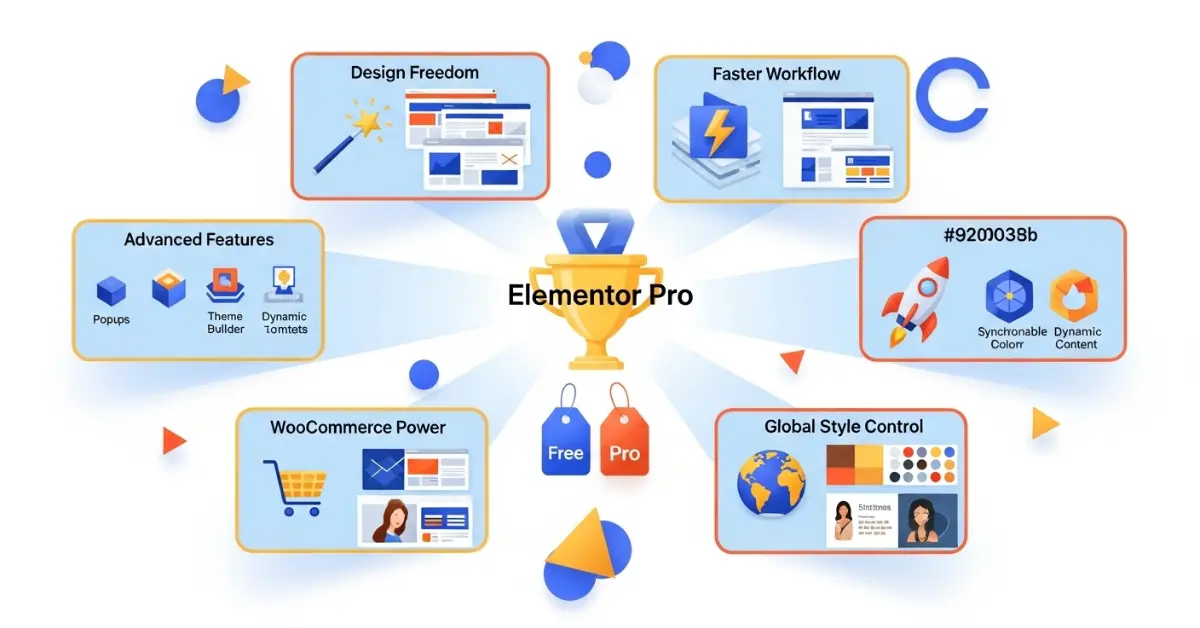
While the features are impressive, the Elementor Pro features and benefits really shine when you consider the advantages they bring to website owners.
Easy Customization Without Coding
One of the most attractive benefits is the ability to create and modify a site without writing a single line of code. This removes the barrier for people who don’t have technical skills but still want a unique, professional-looking website.
You can change layouts, colors, typography, and images with just a few clicks. The real-time preview means you always know how the final page will look before publishing.
Time-Saving Design Process
The combination of templates, widgets, and live editing drastically reduces the time it takes to launch a site. Many freelancers and agencies rely on Elementor Pro features and benefits to deliver projects faster and more efficiently, increasing their profitability.
Improved Website Performance
Well-optimized widgets and clean code mean your site loads quickly, which is vital for both SEO and user experience. Elementor Pro’s built-in optimization tools help keep page speed high without sacrificing design quality.
Mobile Responsive Designs
With mobile traffic dominating the web, having a responsive site is non-negotiable. Elementor Pro’s responsive editing tools ensure your site looks perfect on all devices. You can even tweak individual elements for mobile, tablet, and desktop separately—a feature many page builders lack.
Elementor Pro vs Free Version
Many people start with the free Elementor plugin, which already offers plenty of design flexibility. However, the Elementor Pro features and benefits go far beyond what the free version can provide. Understanding the differences can help you decide whether upgrading is worth it.
Core Differences
The free version offers basic widgets such as image, text, button, and heading elements. It’s perfect for simple landing pages or blog posts, but you’ll quickly hit limitations if you want advanced functionality.
Elementor Pro unlocks:
- Over 90 advanced widgets (sliders, forms, pricing tables, testimonials, etc.)
- Theme Builder for full site customization
- Popup Builder for lead generation
- WooCommerce Builder for custom online store layouts
- Dynamic content support for more personalized designs
- Professional-grade templates updated regularly
These Elementor Pro features and benefits allow you to create a truly unique and functional website without piecing together multiple plugins.
Why Upgrade to Pro
If your website is a key part of your business or brand, upgrading is almost always worth it. The Pro version saves you from buying separate plugins for forms, popups, and e-commerce design. It also gives you more creative freedom and the ability to scale your site over time.
For freelancers and agencies, Elementor Pro features and benefits mean faster project delivery, happier clients, and the ability to charge higher rates for advanced designs.
Real-World Use Cases
One of the best ways to appreciate the Elementor Pro features and benefits is to see how different types of users apply them in real-world scenarios.
For Bloggers
Bloggers often need attractive layouts that are easy to update. With Elementor Pro, you can design custom blog post templates, add call-to-action banners, and even integrate email subscription popups without additional tools. The responsive design features ensure that blog content looks great on mobile devices, which is critical since most blog readers browse on their phones.
For Businesses
Small business owners can use Elementor Pro features and benefits to create professional websites without hiring a web designer. You can highlight services, showcase client testimonials, and integrate booking forms—all within the same platform. The Popup Builder is ideal for promoting special offers, while the Theme Builder ensures your brand identity is consistent across every page.
For E-commerce Stores
Online shop owners get the most from Elementor Pro’s WooCommerce Builder. You can customize product pages, add upsell sections, and create unique checkout designs that boost conversions. The Elementor Pro features and benefits here are directly linked to revenue growth because a better shopping experience means more sales.
Pricing and Plans
Understanding Elementor Pro’s pricing helps you see the value behind its features. While it’s a premium tool, the investment often pays for itself quickly—especially if your website generates income.
Available Subscription Options
Essential Plan
1 website
Ideal for personal use
Advanced Plan
Up to 3 websites
Perfect for small businesses
Expert Plan
25 websites
Great for freelancers and small agencies
Agency Plan
1000 websites
Designed for large-scale operations
Value for Money Analysis
When compared to buying separate plugins for forms, popups, sliders, and theme customization, Elementor Pro often works out cheaper. Plus, you save time managing fewer tools. The regular updates and support ensure that your site remains secure and compatible with WordPress updates.
Pros and Cons of Elementor Pro
Like any tool, the Elementor Pro features and benefits come with both strengths and potential drawbacks.
Advantages
- Complete Design Freedom – No restrictions from your theme’s layout.
- All-in-One Solution – Eliminates the need for multiple plugins.
- User-Friendly – Easy for beginners but powerful for experts.
- Regular Updates – Keeps your site modern and secure.
- Wide Template Library – Speeds up design without sacrificing uniqueness.
Limitations
- Premium Cost – Some may find the annual subscription pricey.
- Learning Curve for Complex Features – While easy to start, mastering all Elementor Pro features and benefits takes time.
- Potential Plugin Conflicts – Like any WordPress plugin, compatibility issues can occur with certain third-party tools.
Tips for Maximizing Elementor Pro
Getting the most out of Elementor Pro features and benefits requires a strategic approach.
Best Practices
- Start with a clear website plan to avoid unnecessary redesigns.
- Use the built-in templates as a base, then customize for your brand.
- Take advantage of global settings for fonts and colors to keep your design consistent.
- Test your site on multiple devices to ensure responsive perfection.
Common Mistakes to Avoid
- Overloading pages with too many widgets, which can slow load times.
- Ignoring mobile optimization—remember that a large portion of visitors will be on phones.
- Forgetting to update Elementor Pro regularly to access new features and benefits and maintain site security.
Final Thoughts on Elementor Pro
After exploring all the Elementor Pro features and benefits, it’s clear why this tool has become a favorite among website creators worldwide. It combines ease of use with professional-grade capabilities, allowing anyone—whether a beginner or a seasoned designer—to craft beautiful, functional websites without complicated coding.
Elementor Pro isn’t just about building pages; it’s about building an online presence that reflects your brand and engages your audience. The ability to control every part of your site’s design, from the header to the footer, is something most other page builders can’t match. When you factor in the WooCommerce Builder, Popup Builder, and advanced widgets, it’s easy to see why so many choose Elementor Pro over alternatives.
If you want a website that is flexible, fast to create, and capable of growing with your needs, then the Elementor Pro features and benefits make it a smart investment. Whether you run a blog, manage a business, or operate an online store, this tool gives you the design freedom and marketing functionality you need to succeed online.